Choosing the Right WordPress Project Approach
September 19, 2025
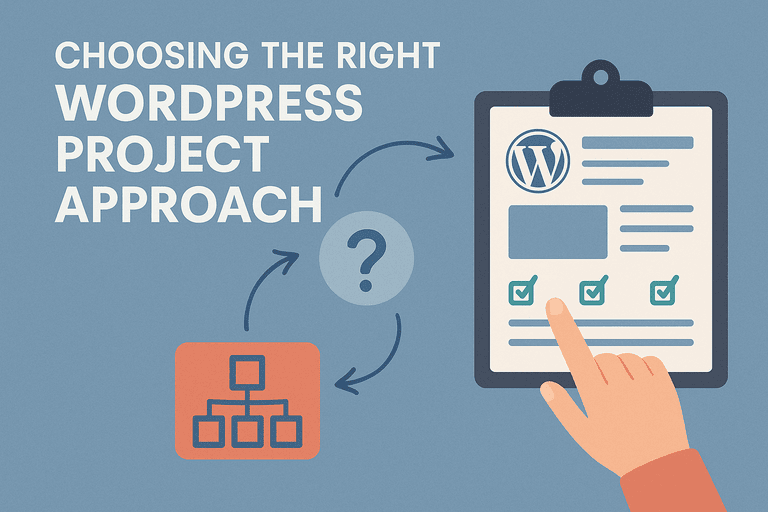
One of the most common questions I hear from clients is:
👉 “Which WordPress approach should I choose for my project?”
And honestly—there’s no one-size-fits-all answer. The right approach depends on your goals, your budget, and how much flexibility and performance you want from your website.
Below, I’ll walk you through the three main approaches to building WordPress websites, what the process looks like, and when each is the best fit.
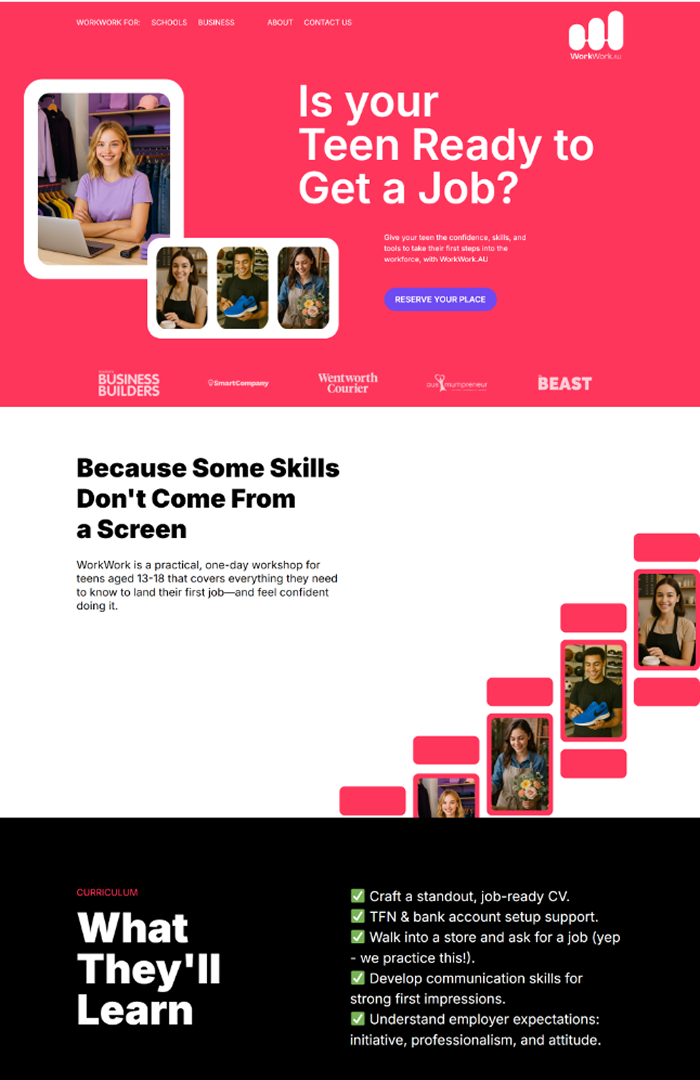
1. Custom Project with HTML/CSS + ACF Pro
When to choose this: If you want a completely unique website that’s built to perform at the highest level.
How it works:
-
We start by creating a custom design tailored to your brand.
-
The site is coded from scratch using clean HTML, CSS, and JavaScript.
-
We integrate ACF Pro (Advanced Custom Fields) to make managing content intuitive and user-friendly.
Best for:
-
Businesses who want a high-performing, scalable, and future-proof website.
-
Projects where performance, clean code, and long-term reliability are top priorities.
Good to know:
-
This approach takes more time and investment.
-
You’ll get a site that’s truly yours—no bloat, no unnecessary code.
The process in brief:
-
Discovery & strategy session to define goals.
-
Custom wireframes and visual design.
-
Full HTML/CSS coding and WordPress integration.
-
Content fields setup via ACF for easy editing.
-
Rigorous testing before launch.
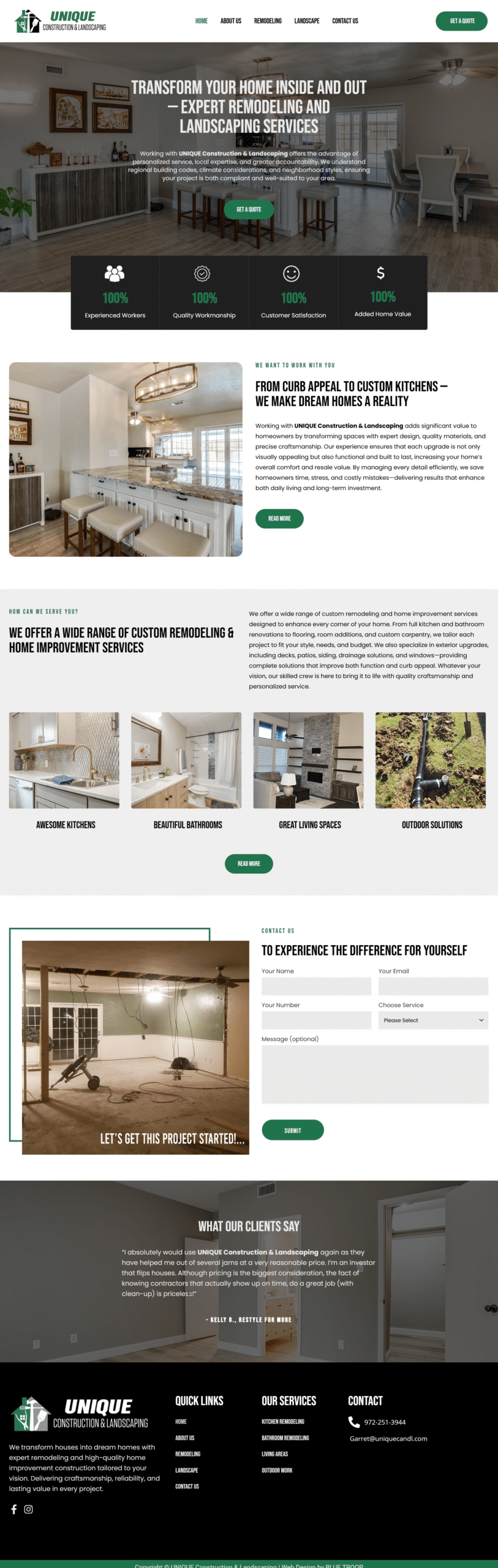
2. Custom Project with Elementor or Page Builders
When to choose this: If you want customization with the ability to launch quickly.
How it works:
-
We use a visual page builder (like Elementor) to build pages efficiently.
-
Custom CSS/JS is added for styling and functionality when needed.
-
The site is tailored to your brand while keeping editing easy for you.
Best for:
-
Small to medium-sized businesses.
-
Clients who want speed, flexibility, and a balance of customization with convenience.
Good to know:
-
More budget-friendly than a fully custom HTML build.
-
Easier for non-developers to make updates later.
-
Slightly less lightweight compared to custom coding.
The process in brief:
-
Select page builder framework (e.g., Elementor).
-
Create branded page layouts with reusable blocks.
-
Apply styling, animations, and functionality.
-
Optimize for mobile and performance.
-
Train you to edit content easily.
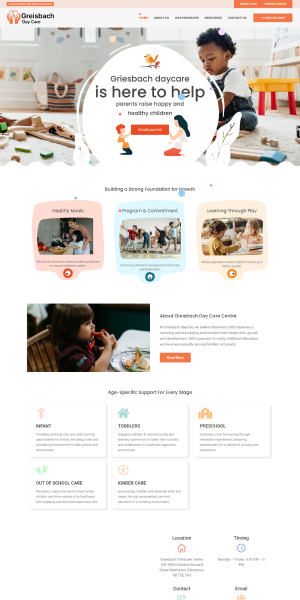
3. Website with Prebuilt Theme (ThemeForest, etc.)
When to choose this: If you need something live fast and on a tight budget.
How it works:
-
We choose a prebuilt theme that aligns with your vision.
-
Colors, fonts, and branding are customized.
-
Your logo, images, and content are added to make it your own.
Best for:
-
Startups and solopreneurs.
-
Personal blogs or portfolios.
-
Businesses with tight deadlines or small budgets.
Good to know:
-
Fastest and most cost-effective option.
-
Limited by what the theme offers (less flexibility).
-
Can be harder to scale long-term if your business grows.
The process in brief:
-
Pick a theme that suits your needs.
-
Install and configure theme settings.
-
Customize branding and layout.
-
Add content and optimize for launch.
-
Quick testing and go live.
The Real Question to Ask
Instead of asking:
💸 “Which method is cheapest?”
Ask yourself:
✨ “What do I want my website to do for my business, and what am I willing to invest to make that happen?”
Each approach can deliver results when chosen for the right project. The key is to match the method with your goals, timeline, and budget.
Your website is an investment—not just a cost.
Choose wisely, and it will work for you 24/7: attracting leads, building trust, and helping you grow your business.
Need Clarity on Your WordPress Build?
Custom HTML, Elementor, or prebuilt theme — let’s choose strategically.
Book your WordPress approach consultation →
Category
Recent Post

admin
Why Content Alone Won’t Improve Website Performance

admin
If Your Website Had to Explain Your Business in 5 Seconds, Could It?

admin