Website Migration Without Losing Traffic & SEO — Guide (Step by Step)
December 3, 2025
Website Migration Without Losing Traffic & SEO — Guide (Step by Step)
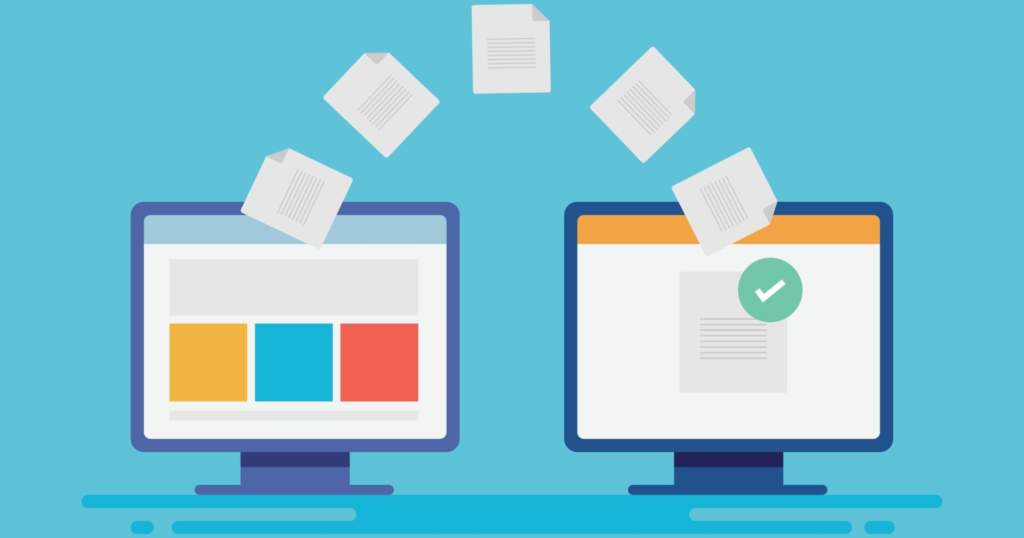
Migrating a website is one of the highest-risk projects for organic traffic and revenue. Done well, a migration modernizes your stack, improves performance, and boosts conversions. Done poorly, it destroys search rankings and erases months (or years) of SEO work. This guide walks you through a professional, step-by-step migration process to move your site safely — without sacrificing traffic, users, or rankings.
Before you touch anything: Prepare a migration checklist
A migration without a checklist is a gamble. Start with these essentials:
-
Full site backup (files + database)
-
Current sitemap and robots.txt snapshot
-
List of top-performing pages (by traffic & conversions)
-
Crawl report (Screaming Frog / Sitebulb)
-
Current Google Search Console & Analytics access
-
URL mapping spreadsheet (old → new)
-
Staging environment ready
-
Redirect plan (301 rules)
-
Downtime communication plan (if needed)
1. Audit the current site (don’t guess)
Before migrating, understand what you have and what matters:
-
Run a full crawl to identify all indexable pages, status codes, canonical tags, meta titles, and H1s.
-
Export top pages by organic traffic and conversions from Google Analytics / GA4. Those are your priority pages.
-
Identify pages with backlinks — use Search Console or third-party tools to list inbound links.
-
Check current page speed and Core Web Vitals baseline.
This audit becomes your migration blueprint and your “before” baseline for comparisons.
2. Plan your URL structure and mapping
Decide whether URLs will stay the same, be restructured, or migrate to a new domain.
-
Create a single spreadsheet mapping every old URL to its new URL.
-
For pages that are removed, map to the most relevant category or parent page (avoid redirect chains).
-
Prioritize high-traffic and high-link pages — these get special treatment and testing.
A complete URL map is the single most important artifact for a safe migration.
3. Build and test on staging (never migrate directly to production)
Set up the new site in a staging environment that mirrors production (server, PHP version, caching).
-
Implement the new site, content, templates, and tracking codes.
-
Use the hosts file to preview the staging site under the live domain if needed.
-
Run a crawl against staging to compare SEO elements: titles, meta descriptions, canonical tags, hreflang (if used), structured data.
-
Validate robots.txt and ensure staging is blocked from indexing (noindex or password-protect until ready).
Testing catches issues before they become public problems.
4. Implement 301 redirects (old → new) — precisely and early
On launch day, 301 redirects are your safety net.
-
Implement redirects at the server level (preferred) — e.g., Nginx/Apache rules.
-
Apply one-to-one redirects from every old URL to the most relevant new page.
-
Avoid redirect chains and loops — these kill link equity and slow crawls.
-
Test redirects with a crawler to ensure correct status codes and final destinations.
301s pass SEO value; mistakes here cause immediate ranking drops.
5. Preserve on-page SEO and structured data
Make sure important SEO elements transfer perfectly:
-
Titles, meta descriptions, H1s, canonical tags — keep or improve them.
-
Maintain structured data (Schema) for products, articles, breadcrumbs, etc.
-
Check hreflang (if multilingual) and ensure language versions map correctly.
-
Ensure pagination, faceted navigation, and parameters remain crawl-friendly or are properly blocked/indexed.
Consistency minimizes volatility in rankings.
6. Update internal links, sitemaps, and robots.txt
Internal links and sitemaps tell search engines how your site is organized.
-
Update all internal links to new URLs (avoid relying solely on redirects).
-
Generate a fresh XML sitemap and submit it to Google Search Console.
-
Update robots.txt with any new rules and ensure it doesn’t block important resources.
-
If content is moved across domains, set a proper domain change in Search Console.
These steps speed up reindexing and prevent crawl inefficiencies.
7. Launch, monitor, and verify (first 48–72 hours critical)
On launch day:
-
Switch DNS to point to the new server (or make the production deployment).
-
Immediately check index status in Google Search Console and fetch as Google for key pages.
-
Monitor server logs for crawl activity and errors.
-
Watch Google Analytics / GA4 and Search Console for traffic dips, errors, and indexing issues.
-
Run live crawls to spot broken links, 404s, or redirect mistakes.
Expect temporary volatility, but there should be no catastrophic drops if the plan was followed.
8. Post-migration checks and monitoring (first 30 days)
Migration is a process—don’t stop after launch.
-
Re-crawl site weekly and compare to pre-migration baseline.
-
Monitor rankings for top-priority keywords and pages daily for the first two weeks.
-
Track organic traffic trends and conversion performance.
-
Watch for spikes in 404s or crawl errors in Search Console — fix fast.
-
Keep redirects in place for at least 6–12 months (preferably longer) to preserve link equity.
Continuous monitoring identifies and resolves issues before they become permanent.
9. Common migration mistakes to avoid
-
Missing redirects for high-traffic or linked pages
-
Redirect chains and loops
-
Launching with staging still indexed
-
Not updating or resubmitting the sitemap
-
Losing tracking codes or misconfiguring analytics
-
Overhauling content and structure simultaneously (do one major change at a time)
Avoiding these prevents the classic “traffic disappears overnight” scenario.
Final Thoughts
A website migration done right is an investment — it modernizes your platform, improves performance, and sets the stage for future growth. The risk is real, but it’s manageable with the right plan: audit everything, map every URL, test on staging, implement precise 301 redirects, and monitor intensely after launch. Follow these steps and your migration will be a relaunch — not a setback.
Ready to Migrate Without Losing Rankings?
Move your site safely — no traffic dips, no SEO loss.
Book your migration strategy call →
Category
Recent Post

admin
Why Content Alone Won’t Improve Website Performance

admin
If Your Website Had to Explain Your Business in 5 Seconds, Could It?

admin