
























Webflow vs WordPress
December 4, 2025
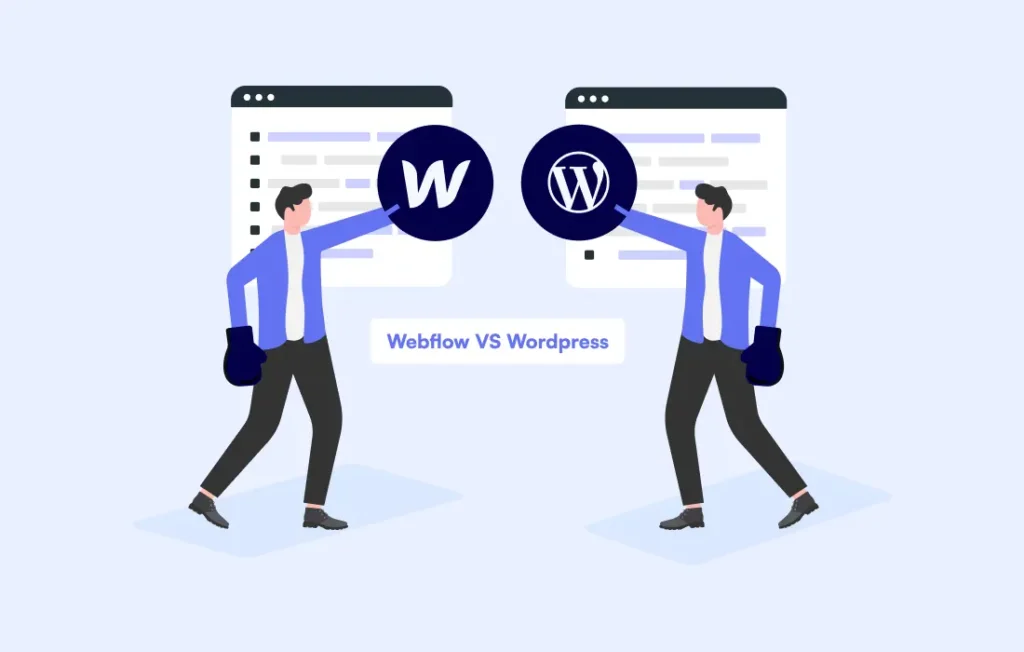
Webflow vs WordPress: Which Is Better for Your Website?
Choosing between Webflow and WordPress isn’t just a platform decision — it impacts your design workflow, long-term scalability, performance, and ongoing maintenance. One prioritizes visual precision and motion-driven experiences, while the other delivers complete backend customization and integration freedom. This guide breaks down the platforms clearly so you can choose with confidence.
Before you choose: Clarify your website priorities
A platform choice without clarity leads to rework, cost escalations, and slow launch timelines. Start by identifying:
-
Do you need custom backend logic or just strong visual design?
-
Will the site scale with content, categories, memberships, or courses?
-
Do you want a managed platform or full server/plugin access?
-
Do designers or developers handle updates?
-
How often will content edits and new features roll in?
-
Do animations and visual identity matter more than deep integrations?
Your answer decides whether you need design freedom (Webflow) or full control (WordPress).
1. When Webflow wins: Front-end experience and visual precision
Webflow is built for modern, interaction-heavy, brand-driven websites.
What makes it strong:
-
Pixel-perfect layouts without plugins
-
Advanced motion design and animations natively supported
-
Fast hosting + global CDN without configuration
-
Clean HTML/CSS output without theme bloat
-
No plugin dependency for core features
Ideal use cases:
-
Brand experiences
-
Creative portfolios
-
SaaS landing pages
-
Premium agency sites
-
Visual storytelling websites
What to note:
-
Not built for large, complex stores or dashboards
-
Pricing increases per feature tier
-
Designers need initial learning time
Webflow is experience-first — perfect when visuals define your brand.
2. When WordPress wins: Full control and scalable functionality
WordPress powers 40%+ of the internet because it can become almost anything.
What makes it strong:
-
Unlimited customization and backend logic
-
Mass integrations, APIs, and automation support
-
WooCommerce for full eCommerce control
-
Multisite, membership platforms, courses, directories
-
Access to server, files, and database for deep editing
Ideal use cases:
-
eCommerce at scale
-
Membership/LMS platforms
-
Media networks and blogs
-
Multi-vendor systems
-
Corporate and global business sites
What to note:
-
Requires performance optimization and security setup
-
Plugin management and updates are ongoing tasks
-
Themes can slow performance if not selected properly
WordPress is architecture and scale — ideal when growth needs more than visuals.
3. Side-by-side decision mapping
| Requirement | Choose Webflow | Choose WordPress |
|---|---|---|
| Motion UI & visual storytelling | ✓ | — |
| Full backend custom logic | — | ✓ |
| No maintenance burden | ✓ | — |
| High-performance blog or news site | — | ✓ |
| Fast launch, no plugins | ✓ | — |
| eCommerce flexibility | — | ✓ |
| Advanced integrations | — | ✓ |
| Design control without code | ✓ | — |
This isn’t better vs worse — it’s experience vs expansion.
4. Performance & SEO: Where each stands
Webflow:
-
Fast by default
-
Optimized hosting and native CDN
-
No theme/plugin bloat
-
SEO controls built in
WordPress:
-
Performance depends on hosting + setup
-
Can be extremely fast when optimized
-
SEO plugins (RankMath, Yoast)
-
Headless setups available for maximum performance
Webflow is fast instantly; WordPress becomes fast with proper hands.
5. Cost and ongoing ownership
Webflow:
-
Higher monthly platform cost
-
Zero development maintenance
-
Hosting + security included
WordPress:
-
Low hosting cost
-
Developer time for updates, fixes, security
-
Plugin/theme license fees
Cost difference isn’t platform price — it’s who manages the workload.
6. Final selection criteria
Choose Webflow if:
-
Brand visuals define your value
-
You want sleek animations and modern UI
-
No technical maintenance team exists
-
Launch speed matters more than advanced logic
Choose WordPress if:
-
Your business will expand in functionality
-
You need deep integrations and database control
-
Content growth (blogs, categories, portals) is core
-
eCommerce needs full customization
Final Thoughts
Webflow delivers creative freedom with minimal operational stress.
WordPress delivers full control with long-term scalability.
Your choice is not about popularity — it’s about what your website will become over time.
Select the platform that aligns with how your business grows, not just how your homepage looks today.
Get expert guidance on whether Webflow or WordPress fits your business.
Let’s build your site the smart way →